Keep Your Files Together
Collect documents, photos and other files in a data CD or DVD project.
Put files on a disc, make an audio CD, or write an ISO with Free Burning Studio for Windows 11 and 10.
Windows 11 / 10 · 64-bit · Administrator permission required
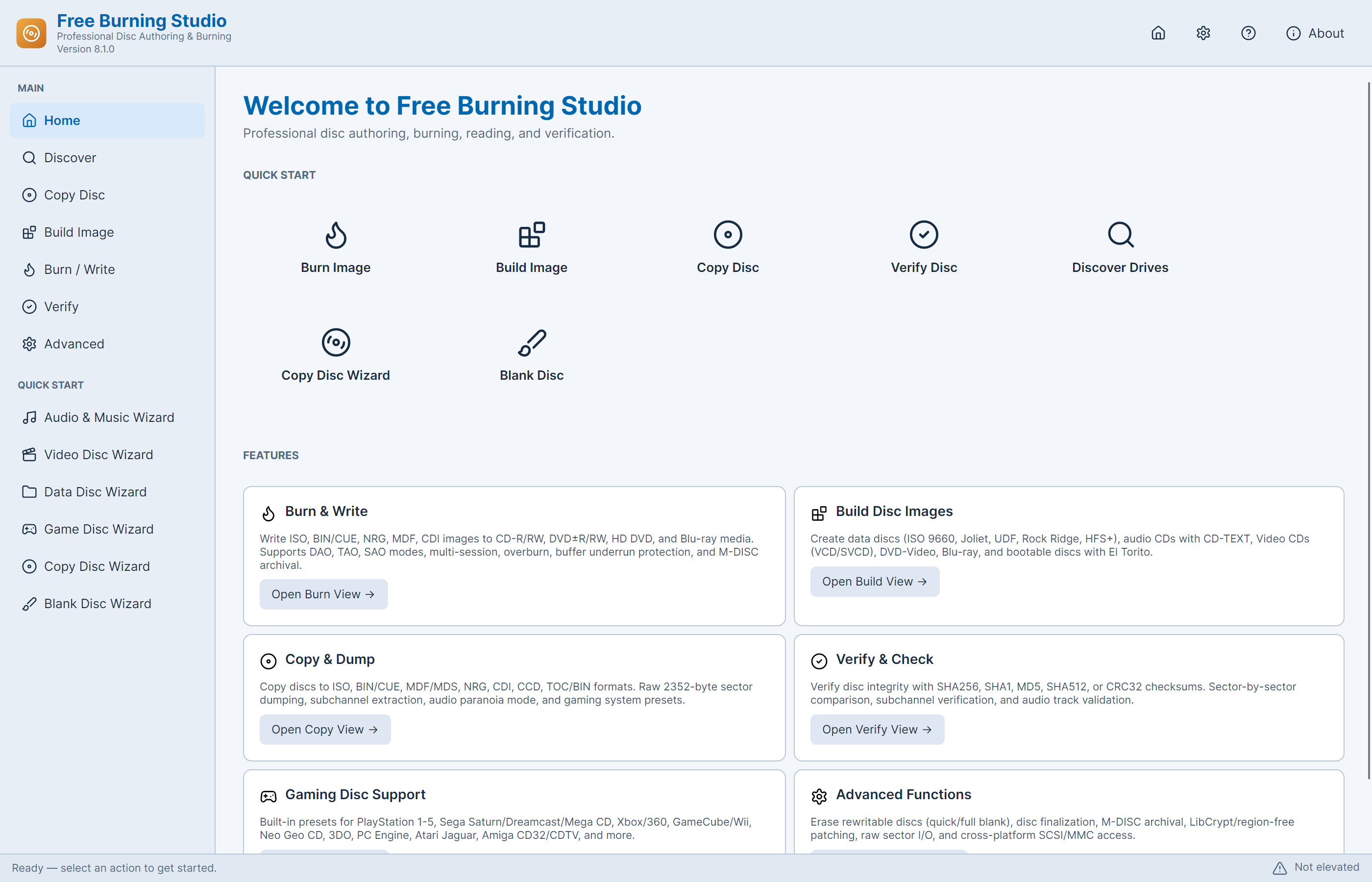
Dedicated tools take you from source files to a disc you can use.
Collect documents, photos and other files in a data CD or DVD project.
Arrange audio tracks and prepare an audio CD for a compatible player.
Burn a disc image directly instead of storing the ISO as a single file.
Read a supported disc into an image you can keep on your PC.
Use disc verification to check the content after a burn.
Work with an authored VIDEO_TS folder for the DVD-Video workflow.
Start with data, audio, video or an existing image.
Bring in files, tracks or a prepared disc image.
Select compatible media, burn, then check the result.
Learn what a data DVD is, how it differs from DVD-Video, and which Free Burning Studio workflow fits files, MP4 videos or a DVD player.
Write an ISO to CD or DVD with Free Burning Studio. Select the image, choose compatible blank media, burn it and verify the finished disc.
Put documents, photos and other files on a data CD or DVD. Learn the data-disc workflow, capacity checks and verification steps.
Build an ISO image on your PC with Free Burning Studio. Organize the source folder, choose a file system and check the image before burning.
What the app does, what you need, and what is included.
Yes. The current release includes every application feature without payment, a subscription or an activation key.
Free Burning Studio is a Windows x64 desktop application for Windows 11 and Windows 10. Its .NET runtime is included with the installation.
Burning happens in the installed Windows application. This website provides the download and guides; it does not write to your optical drive from a browser.
Writing a physical disc requires a compatible optical writer and suitable blank media. You can build an image file on your PC without inserting a blank disc.
A data DVD stores ordinary files and folders, such as photos, documents or MP4 videos. A DVD-Video disc uses an authored video structure for compatible DVD players.
Copying an MP4 as a file creates a data disc. For standard DVD-Video playback, prepare a compatible VIDEO_TS folder or DVD-Video image before using the video-disc workflow.
Free Burning Studio needs administrator access for its optical-drive operations. Both Setup and the application request that permission, including when you launch it at the end of installation.
The Audio & Music Wizard offers audio-CD ripping to WAV files or a raw BIN/CUE image. Choose WAV for separate tracks, or BIN/CUE when you need an audio-disc image.
No. RelevantKnowledge is a separate optional research invitation with its own visible Agree / Decline screen. Declining or skipping it does not restrict Free Burning Studio.

One Windows app for data discs, music CDs and disc images.